

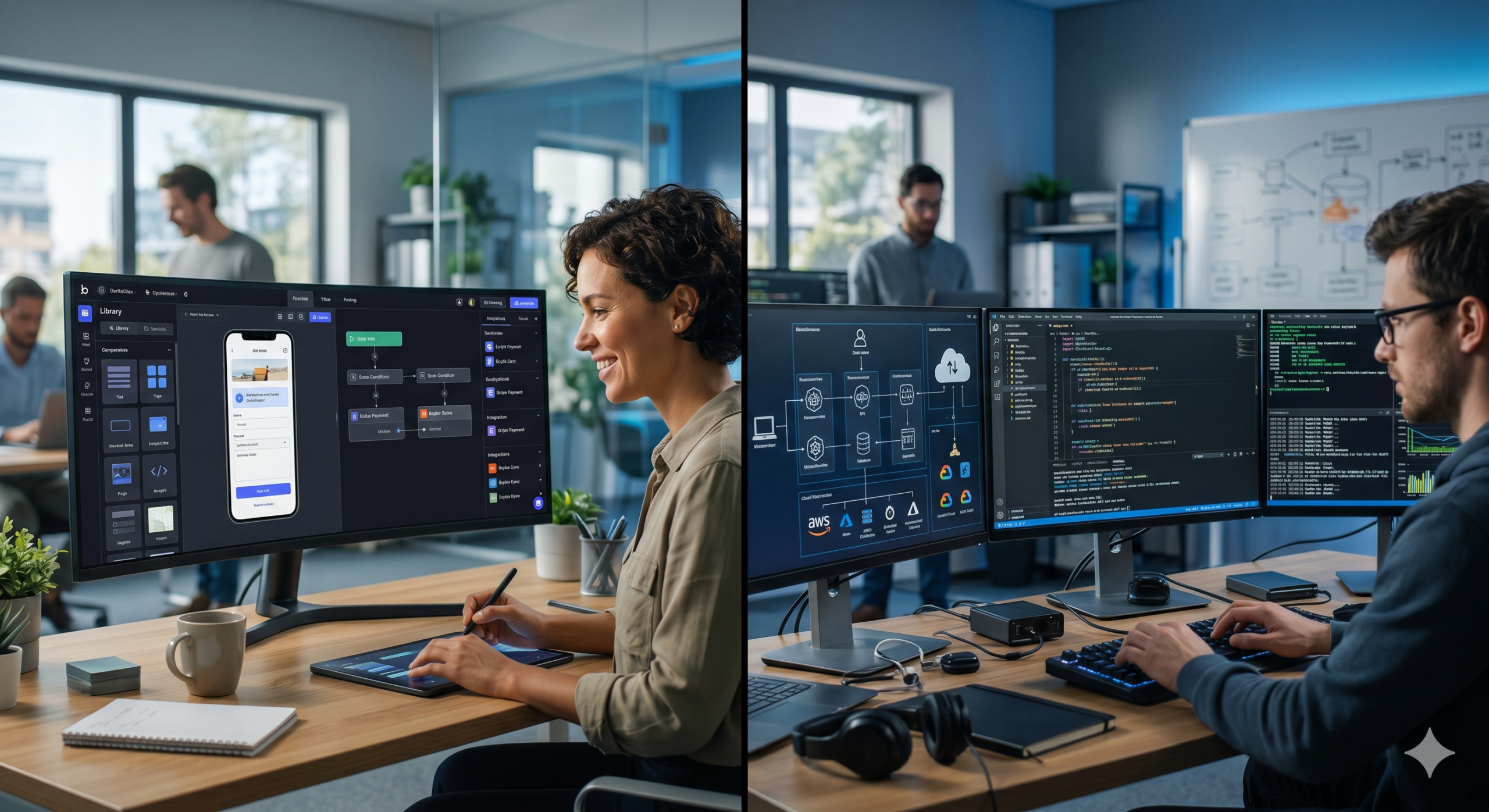
Choosing between No-Code vs Custom Development is one of the most important decisions businesses face when building digital products in 2026. As organizations strive to launch faster, reduce costs, and scale efficiently, the debate between no-code platforms and custom-built solutions continues to grow. Each approach offers unique advantages and limitations, making it essential to understand which option aligns best with your business goals.
This expert guide explores the differences between no-code and custom development, their benefits, challenges, and how to choose the right approach for your project.
What is No-Code Development?
No-code development allows users to build applications and websites without writing traditional code.
Key features:
- Drag-and-drop interfaces
- Pre-built templates and components
- Visual workflows and automation tools
Popular use cases:
- Landing pages
- Internal business tools
- MVPs (Minimum Viable Products)
- E-commerce websites
No-code platforms empower non-developers to create functional applications quickly and efficiently.
What is Custom Development?
Custom development involves building software from scratch using programming languages and frameworks.
Key features:
- Full control over functionality
- Tailored user experience
- Scalable architecture
Common use cases:
- Enterprise applications
- Complex platforms
- High-performance systems
- Unique business solutions
Custom development provides flexibility and precision for projects with specific requirements.
No-Code vs Custom Development: Key Differences
Understanding the differences between No-Code vs Custom Development helps businesses make informed decisions.
| Feature | No-Code Development | Custom Development |
|---|---|---|
| Speed | Very fast | Slower |
| Cost | Lower upfront cost | Higher investment |
| Flexibility | Limited | Highly flexible |
| Scalability | Moderate | High |
| Maintenance | Minimal | Requires ongoing support |
| Technical Skills | Not required | Required |
When evaluating these differences, businesses should also consider the cost comparison of no-code vs custom development, as initial savings with no-code platforms can increase over time depending on scalability and platform limitations.
Advantages of No-Code Development
No-code platforms are gaining popularity due to their accessibility and speed.
1. Rapid Development
Projects can be built and launched quickly without complex coding.
2. Cost Efficiency
Lower development costs make no-code ideal for startups and SMEs.
3. Accessibility
Non-technical users can build and manage applications.
4. Easy Maintenance
Updates and changes can be made without deep technical expertise.
5. Faster Iteration
Teams can test ideas and make changes quickly.
Limitations of No-Code Development
Despite its advantages, no-code has certain limitations.
1. Limited Customization
Pre-built components may restrict design and functionality.
2. Scalability Challenges
Large-scale applications may outgrow no-code platforms.
3. Vendor Dependency
Businesses rely on platform providers for features and updates.
4. Performance Constraints
Complex applications may experience performance issues.
Advantages of Custom Development
Custom development offers unmatched flexibility and control.
1. Full Customization
Applications are built to meet exact business requirements.
2. Scalability
Custom solutions can grow with your business.
3. Performance Optimization
Developers can optimize systems for speed and efficiency.
4. Security Control
Greater control over data protection and security measures.
5. Integration Capabilities
Custom solutions can integrate seamlessly with other systems.
Limitations of Custom Development
Custom development requires more resources and planning.
1. Higher Costs
Development and maintenance can be expensive.
2. Longer Development Time
Building from scratch takes time.
3. Technical Expertise Required
Skilled developers are necessary.
4. Ongoing Maintenance
Regular updates and support are required.
When to Choose No-Code Development
No-code is ideal for projects that require speed and simplicity.
Best scenarios:
- Startups launching MVPs
- Small business websites
- Internal tools and dashboards
- Short-term projects
Why it works:
No-code allows businesses to validate ideas quickly without heavy investment.
When to Choose Custom Development
Custom development is better for complex and scalable solutions.
Best scenarios:
- Enterprise-level applications
- High-traffic platforms
- Unique or complex functionality
- Long-term projects
Why it works:
Custom solutions provide flexibility and scalability for growing businesses.
Hybrid Approach: The Best of Both Worlds
Many businesses are adopting a hybrid approach that combines no-code and custom development.
How it works:
- Use no-code for rapid prototyping
- Transition to custom development for scaling
Benefits:
- Faster time-to-market
- Reduced costs
- Greater flexibility
This approach allows businesses to balance speed and scalability.
Key Factors to Consider
When deciding between No-Code vs Custom Development, consider the following:
1. Project Complexity
Simple projects suit no-code, while complex systems require custom development.
2. Budget
No-code is cost-effective, while custom development requires investment.
3. Time to Market
No-code enables faster launches.
4. Scalability Needs
Custom development supports long-term growth.
5. Technical Resources
Evaluate your team’s skills and capabilities.
Security Considerations
Security is a critical factor in both approaches.
No-Code Security:
- Managed by platform providers
- Limited control over backend systems
Custom Development Security:
- Full control over security measures
- Requires proper implementation
Businesses must ensure data protection regardless of the approach.
Future Trends in Development
The future of No-Code vs Custom Development will be shaped by emerging technologies.
Key trends:
- AI-powered no-code platforms
- Low-code hybrid solutions
- Automation in development workflows
- Increased focus on security and scalability
As technology evolves, the gap between no-code and custom development will continue to narrow.
Common Mistakes to Avoid
Avoid these mistakes when choosing your development approach:
- Choosing no-code for complex systems
- Over-investing in custom development for simple projects
- Ignoring scalability requirements
- Neglecting security considerations
- Failing to plan for future growth
Best Practices for Success
1. Define Clear Goals
Understand your business objectives before choosing an approach.
2. Start Small
Test ideas with MVPs before scaling.
3. Focus on User Experience
Ensure your application meets user needs.
4. Plan for Scalability
Choose a solution that supports growth.
5. Monitor Performance
Continuously evaluate and optimize your system.
Conclusion
Understanding No-Code vs Custom Development is essential for building successful digital products in 2026. Both approaches offer unique advantages, and the right choice depends on your business needs, budget, and long-term goals.
No-code platforms provide speed and accessibility, making them ideal for simple projects and rapid prototyping. Custom development, on the other hand, offers flexibility, scalability, and performance for complex applications.
By carefully evaluating your requirements and considering a hybrid approach, you can build solutions that are both efficient and future-ready.